
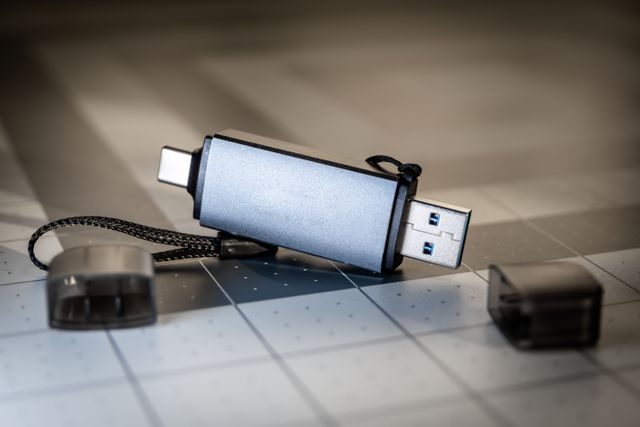
Not every website needs a server. An organisation marking a historic anniversary wanted its WordPress site available offline, on USB keys that could be handed out and browsed without an internet connection.
I produced a static mirror of the site (see below), converting every page to plain HTML with its images, styles and scripts, and rewriting links so everything works locally. It opens in any browser directly from the USB key, with no database, no hosting and nothing to maintain.
This was a nice reminder that WordPress is a great tool for building and editing content, but the finished content doesn’t always need to live in WordPress. For archives, exhibitions or anniversary projects, a static version can outlast any hosting plan.
# Run this in your local project folder

wget --mirror --convert-links --adjust-extension --page-requisites \
  --no-check-certificate --no-parent --restrict-file-names=windows \
  --tries=3 --reject-regex="(xmlrpc\.php.*|\?p=[0-9]+)" \
  --user-agent="Mozilla/5.0 (Windows NT 10.0; Win64; x64) AppleWebKit/537.36 (KHTML, like Gecko) Chrome/120.0.0.0 Safari/537.36" \
  https://your-staging-site.example.com